Agent Tutor · Chrome
Learn at your pace. Continue where you left off.
Read your course, ask questions and practice with Agent Tutor. Your conversations, progress and Mistake Book are saved to your account.
Agent Tutor is the supported Tutor1on1 application. Use it online in Chrome. v2.0.8
For students
Create a student account, find a course and request enrollment.
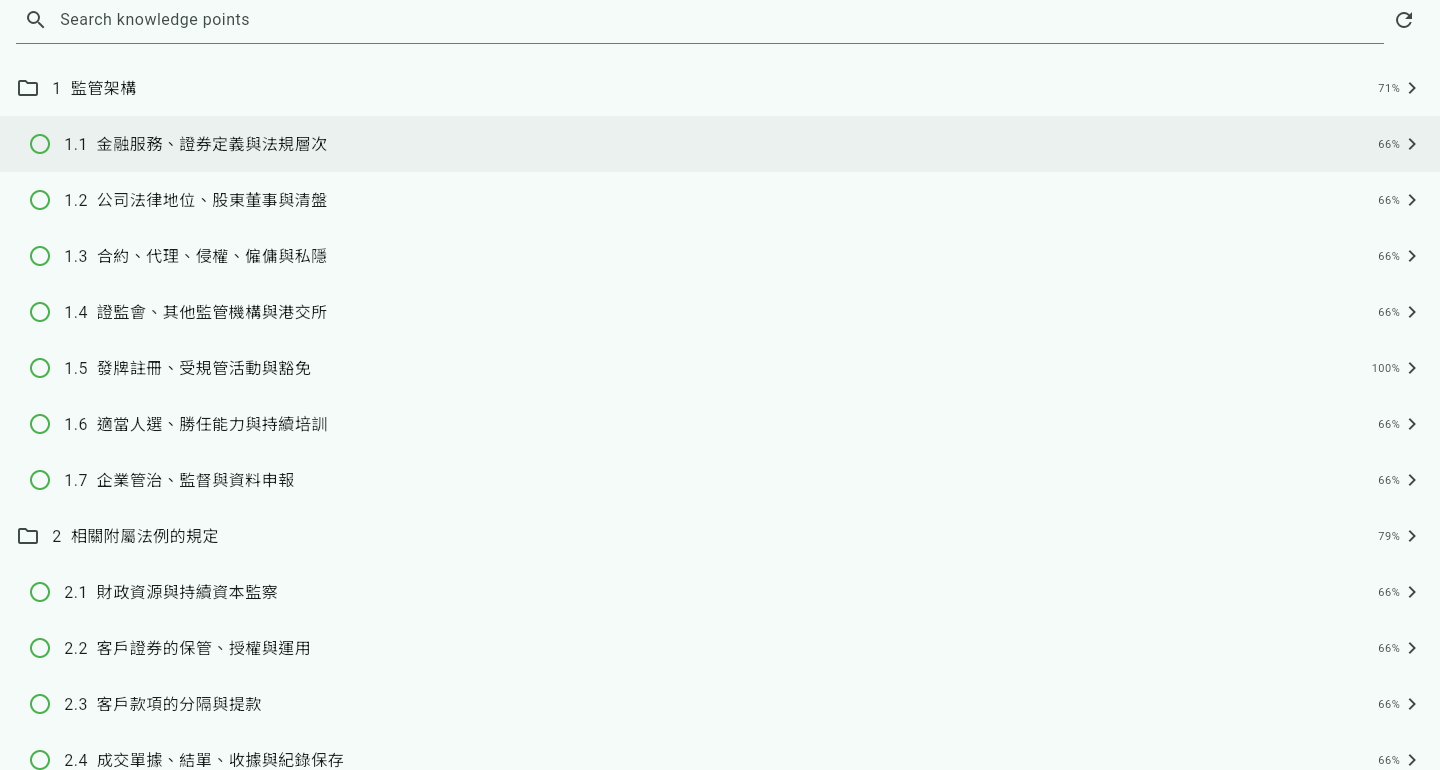
After teacher approval, open the course and choose a knowledge point. Read the material, then select Learn or Question.
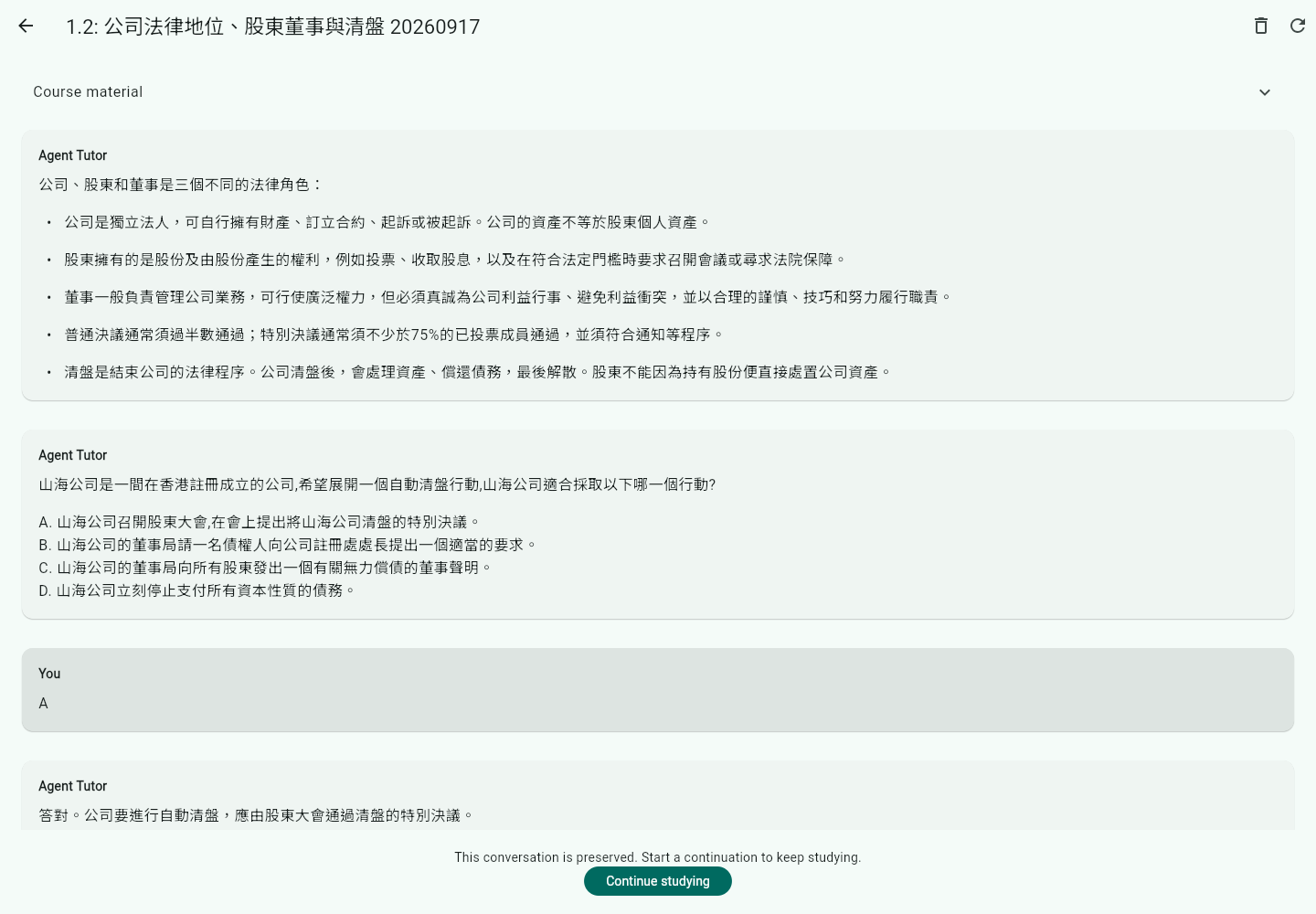
Answer in the conversation. Use Easier or Harder to adjust the next question, and revisit the Mistake Book for review.
For teachers
Apply for a teacher account and choose your teaching subjects. After approval, create a course under Teaching → Courses.
Choose Upload course zip file, review added, changed and removed documents, then confirm the upload. Publish when the course is approved.
Approve enrollment requests, review student progress and conversations, set tutor instructions and pass rules, and manage study schedules.
Your account keeps your progress
The service saves accepted requests and completed learning results. If the connection drops, reopen the conversation to check its status. A running request can be cancelled; an interrupted conversation offers an explicit continuation.
Signing in on another device signs out the previous device. Work already accepted by the service continues. Clearing browser data does not delete your saved learning history.